

Plan the outing before the device
What Does a Phone-Light Setup Actually Need?
Build around the route, payment, audio and contact needs of one real outing.
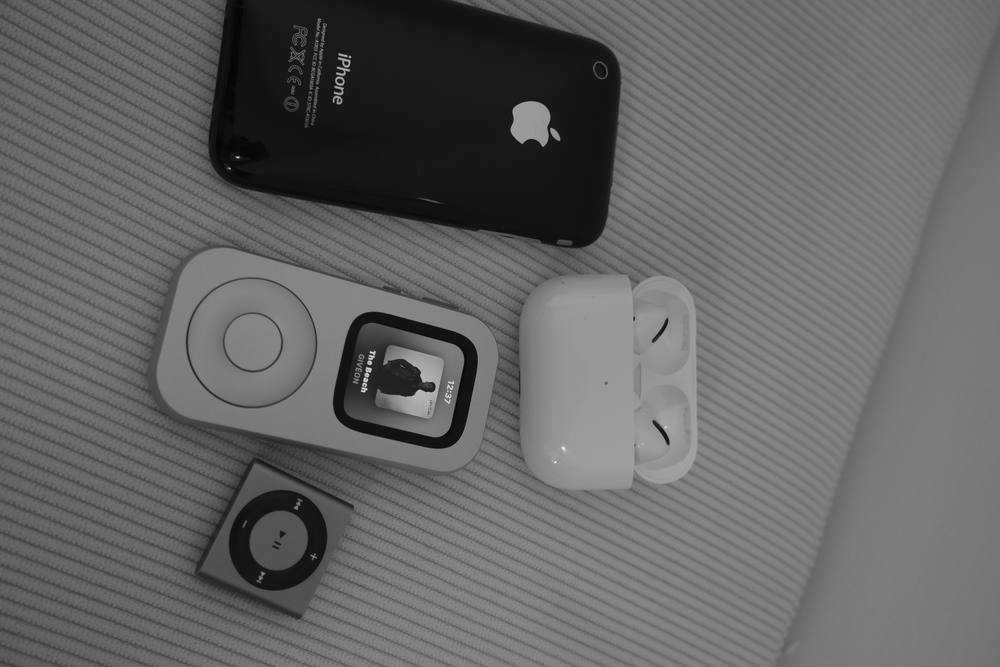
A useful phone-light setup is specific. It covers the next coffee run, library visit or grocery pickup, then leaves the rest of the smartphone behind for a while.
Start with one outing
Begin with a place, a duration and a reason to go. “Groceries for the next two days” is easier to prepare than “use my phone less.” A defined outing tells you whether you need live directions, a transit fare, a store loyalty code, a message from one person or no connection at all.
This small scope also keeps the experiment reversible. Your first route can stay close to home and end within an hour. You can keep your phone powered in a zipped bag while you test the routine. Once the setup proves dependable for your exact needs, you can decide whether the phone belongs farther away.
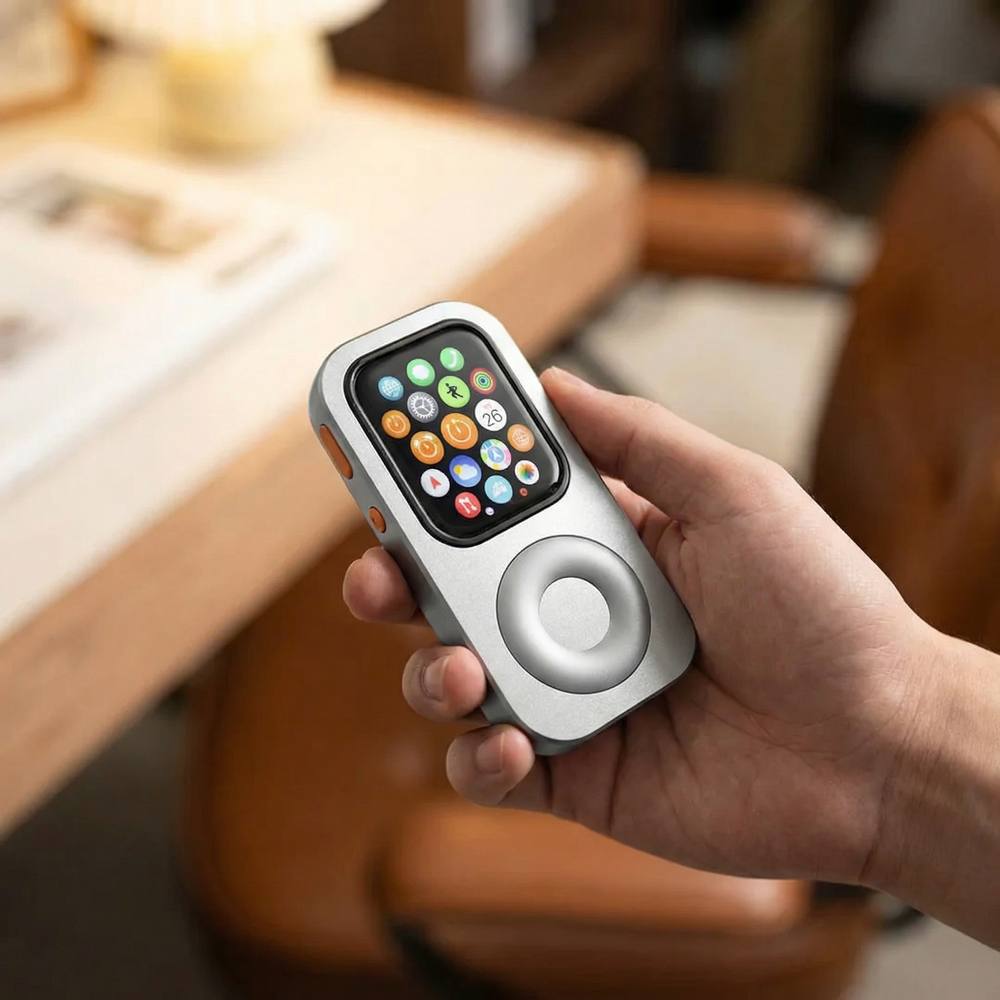
RePod gives a compatible Apple Watch a handheld, pocket-player form. Apple Watch, watchOS, apps and services provide the functions on screen. Confirm your Watch generation and case size against the current RePod variant before building a routine around it.
Audit four essentials
Most short outings can be planned around four questions. The answers depend on where you are going and the exact Apple Watch you own.
Do you know the way, need live directions or have a synced offline map? Offline maps require a supported Watch and watchOS setup, a map downloaded on iPhone and synced to Apple Watch, plus regional availability. Live directions require the connection and service supported by your exact setup.
Will the destination accept your selected Apple Pay card or transit pass? Apple Pay on Watch requires an eligible card and issuer, a supported region, prior setup and a participating merchant or transit system. Carry a physical card or cash when acceptance is uncertain.
Do you want an album, playlist, podcast or audiobook? Download it to the Watch before departure and test playback. App availability, account, subscription, storage, software, region and supported headphones can affect the result.
Who must be able to reach you, and by which path? Calls, iMessage, SMS/MMS and third-party notifications have different network and paired-iPhone requirements. Apple notes that SMS/MMS and some third-party notifications may require the paired iPhone to remain powered on and connected to Wi-Fi or cellular service.
Test each required function with the phone in the state you plan to use. “Phone at home and powered on” creates different conditions from “phone switched off,” and a GPS-only Watch behaves differently from a cellular model with an active plan. One successful feature does not prove that every other feature will work.
The five-minute preflight
Check Watch charge, RePod fit, audio download, headphone connection, route availability, payment setup and the planned contact path. Open each item once before leaving. Add a physical backup for any function you have not verified.
Find the tasks hiding behind the phone
A route, a card and a message path may look complete until a building door asks for an app, a parking space asks for a QR code, or a ticket lives inside an account protected by two-factor authentication. Rideshare, workplace chat, restaurant menus, medical information and school updates can add similar dependencies.
A first-person report in The Atlantic described a dumbphone user's trouble with a workplace door app and an urgent online housing form. Those examples belong to one person's experience, yet they reveal a useful planning question: which ordinary tasks in your day quietly assume a full smartphone?
Scan the outing from departure to return. Include entry, identity, transportation, payment and the way home. If one required step still lives only on your phone, keep the phone available or redesign the route. Phone-light can mean out of hand, out of sight and ready when genuinely needed.


Choose the smallest dependable fallback
A fallback closes one known gap. It might be a physical payment card, a written address, a printed ticket, a key, a saved emergency number or the phone powered in your bag. Keep the choice proportional to the outing.
The fallback also gives you permission to stop the test. If the route changes, weather turns, a family need appears or a service behaves differently than expected, use the tool that solves the problem. The outing comes first.
After you return, record two things: which functions you used and which functions you prepared without touching. That short note gives the next outing a cleaner list. A coffee run may settle at payment and one contact path. A commute may need maps, audio and transit support. A Saturday walk may need only downloaded audio and a key.
Before the door closes
Your phone-light essentials checklist
- Name the exact outing, route and return time.
- Confirm Apple Watch model, watchOS version, connection state and RePod fit.
- Sync or verify the route you expect to use.
- Test the selected Apple Pay card or bring a physical backup.
- Download one audio choice and connect supported headphones.
- Test the required call or message path under the planned connection conditions.
- List access apps, QR codes, tickets, authentication and emergency needs.
- Choose a fallback for every unverified step.
The strongest phone-light setup covers a real morning with fewer tools. Start with one outing, prove the essentials on your own Watch and let everything else wait until you return.
Sources and further reading
One outing at a time