

One device · One job
Give One Device One Job: A Music Role for the Apple Watch You Already Own
A working Apple Watch can earn a clear second role when you choose one library, one pair of headphones, and one place to keep it charged.
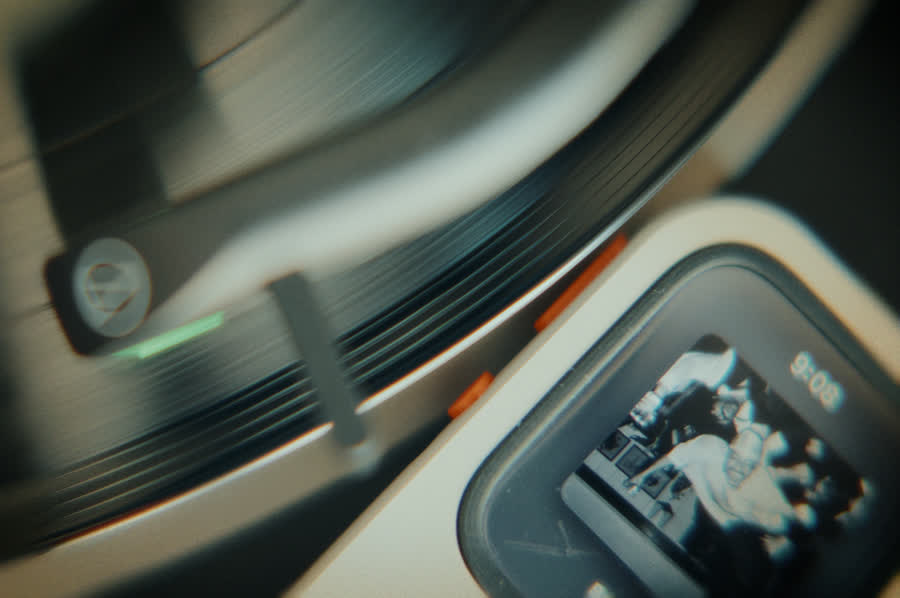
Give a working Apple Watch one clear music job: a named listening moment, a small prepared library, one pair of headphones, and one charging home. First confirm condition, software support, storage, battery comfort, playback, and RePod fit. If the Watch passes, test the role for one week before adding complexity.
A device becomes harder to use when its purpose becomes vague. After an upgrade or a change in routine, a working Apple Watch may stay on a charger, move into a drawer, or appear occasionally without a dependable reason.
One job can restore that reason. The job should be specific enough to picture and modest enough to test: “This Watch holds my three weekly albums.” “This Watch runs the lunch listening session.” “This Watch is ready for the Saturday record and coffee ritual.”
The idea starts with value already present in the hardware. It does not assume every older Watch is suitable, and it does not promise savings or environmental impact. Condition, software support, storage, battery behavior, service access, and compatibility decide whether the role is practical.
Name the job in one sentence
“Music player” is broad. Name the exact moment, length, and selection. A clear sentence could be: “On weekday lunch breaks, this Watch plays one downloaded 35-minute album through my AirPods.”
That sentence reveals what must work. The Watch needs to support the music app, hold the audio, connect to the headphones, run for the session, and remain comfortable to operate. It also tells you what can stay out of scope: calls, maps, payments, notifications, and a giant library can wait.
Choose one of these starting jobs:
- The weekly shelf: three albums prepared on Sunday for three different moments.
- The lunch player: one 30- to 45-minute album or playlist with a visible return time.
- The evening record: one chosen album after the day’s final task.
- The weekend pocket player: a small downloaded rotation for a known walk, café, or room.
Run the one-job viability scorecard
Score the actual Watch in your hand. A “pause” is useful information. It may point to a repair, a shorter session, a different service, or another path for the device.
| Check | Ready | Pause |
|---|---|---|
| Physical condition | The screen, controls, charging, speaker, and enclosure behave normally for your use. | If the Watch is damaged or behaves unexpectedly, pause the test and consult Apple support. |
| Software and app support | The Watch runs supported software and the chosen music app works as required. | The app, service, or operating system no longer supports the needed flow. |
| Storage and downloads | The small library fits and finishes downloading. | The role depends on storage or download behavior the Watch cannot provide. |
| Battery comfort | Your own test covers the planned session with a margin you accept. | The Watch stops early, behaves unpredictably, or requires a routine you will not maintain. |
| Headphones | The chosen headphones connect directly and respond to play, pause, and volume checks. | The connection is unreliable or requires the phone for the intended session. |
| RePod fit | The exact Watch generation and case size appear in the current selector. | The model or size is absent, unclear, or physically compromised. |
Pause when the Watch behaves unexpectedly
If the Watch is damaged or behaves unexpectedly, pause the test and consult Apple support.
Build a library small enough to remember
Apple’s current Watch guide explains how albums and playlists can be added and downloaded. App, subscription, storage, software, region, and device requirements apply. For a one-job device, begin with the smallest library that supports the job.
Three albums, one playlist, or one week of episodes can be enough. A small library keeps the next choice visible and reduces maintenance. It also makes download status easier to verify.
If the job requires playback away from the paired iPhone, complete the downloads and test several tracks with the phone unavailable. Apple says downloaded audio can remain available, while connected actions depend on model, network, cellular plan, coverage, setup, app, subscription, and region.
Choose one pair of headphones and one charging home
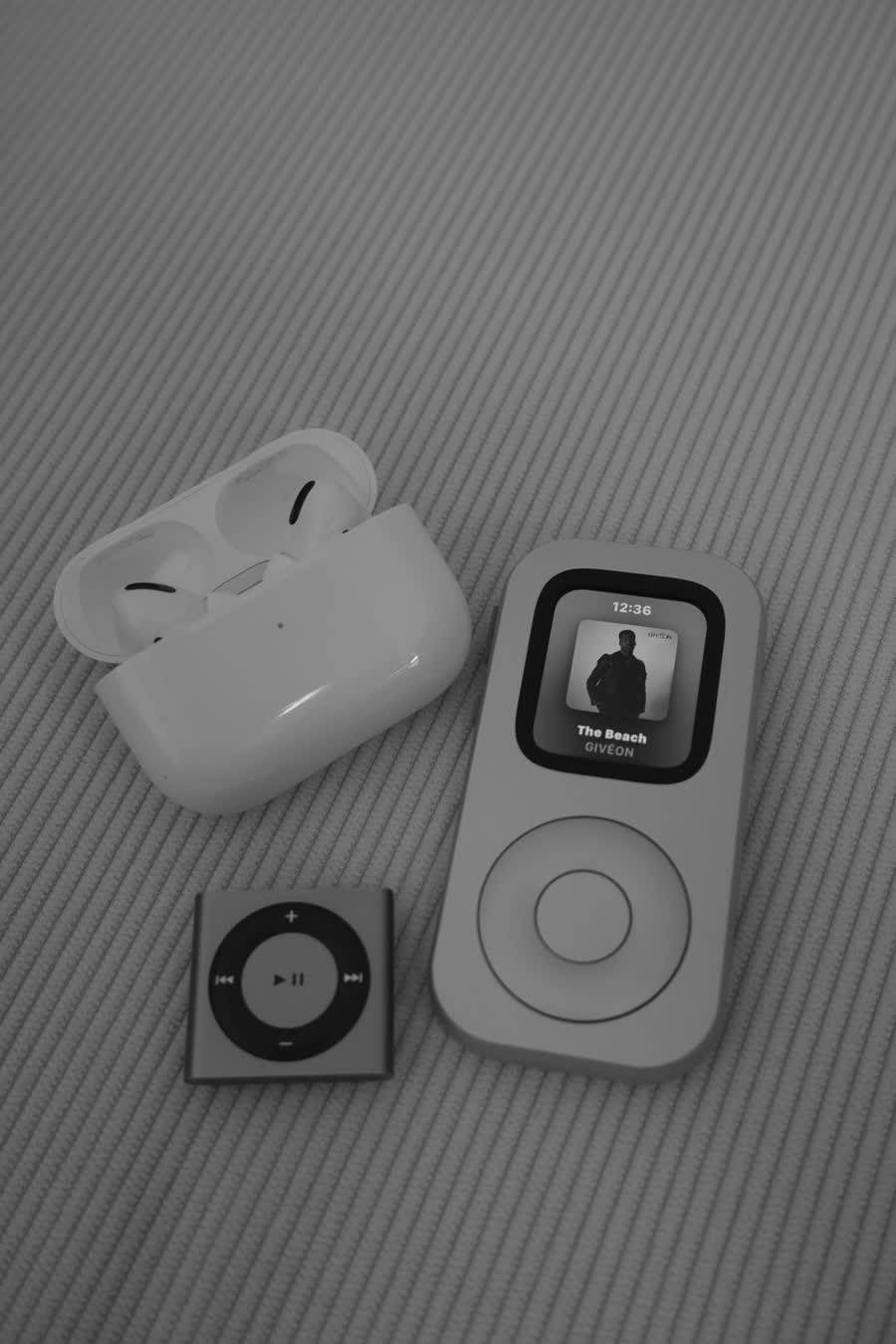
Use the headphones you already trust. Connect them directly to Apple Watch, then test play, pause, resume, volume, and several tracks. Compatible hardware and current software are required. If the connection keeps returning to the phone, solve that handoff before calling the role ready.
Give the Watch one charging home beside the headphones. A music role fails quietly when the device is always somewhere else or arrives with an empty battery. The charging place should be easy to see and easy to use at the same time each day.
Keep the routine simple: return the Watch, return the headphones, charge what needs charging, and review the next selection once. Consistency matters more than adding more accessories.
Test the role for one week
- Day 1: prove the setup. Download one selection, connect the headphones, make the iPhone unavailable, and play three tracks.
- Day 2: use the real moment. Run the lunch, evening, or weekend session exactly as named.
- Day 3: remove one friction point. Adjust the library, charging place, volume, or return time.
- Day 5: repeat without setup changes. A useful role should become easier to start after the initial preparation.
- Day 7: decide. Keep the role, make it smaller, choose another job, or release the device to another path.
Track only three signals: Was the Watch charged? Did playback work? Did you choose it at the intended moment? Those answers are enough to judge the role. A long habit tracker can become another reason to avoid the session.
Reuse is one path among several
The U.S. EPA’s electronics guidance includes reuse and extending product life among useful electronics practices. That general guidance supports considering another role for working hardware. It does not provide a quantified environmental benefit for RePod or for your specific Watch.
A Watch that passes the scorecard may be a good reuse candidate. A Watch that fails may be better suited to repair, trade-in, donation, or responsible recycling, depending on its condition, eligibility, local options, and the needs of a recipient. Erase personal data and follow the current instructions for the path you choose.

Make the new role visible
RePod gives listed compatible Apple Watch models an iPod-inspired handheld form. The Watch remains the source of software, storage, battery, music apps, downloads, subscriptions, connectivity, and playback. RePod does not repair the Watch or change those technical limits.
Its role is physical. The form can signal that this Watch now belongs to a specific listening session. Confirm the exact Watch generation and case size in the current selector before choosing a variant.
For the full device setup, continue with How to Turn an Old Apple Watch Into a Dedicated Music Player. For the listening ritual itself, read One Album, Front to Back.
One-device, one-job FAQ
Can an older Apple Watch become a music player?
A compatible working Watch can take on a music role when its condition, software support, storage, battery comfort, service, headphones, and setup fit the intended session. Test the exact device before relying on it.
What does one device, one job mean?
Give the Watch one named music moment, one small prepared library, one pair of headphones, and one consistent charging home. Additional uses can wait until the first role proves useful.
Is reusing a Watch always the best option?
No. Trade-in, donation, repair, or responsible recycling may suit a Watch that fails the condition, support, battery, or fit checks. Follow current program and local handling requirements.
Does RePod extend battery life or add storage?
No. RePod changes the physical form of a compatible Apple Watch. Battery, storage, software, connectivity, subscriptions, and playback remain properties of the Watch and its services.
Sources
Check the device and reuse guidance
-
U.S. EPA — Electronics reuse and product-life extension
General electronics reuse context without a RePod impact claim. -
Apple Support — Add music to Apple Watch
Current albums, playlists, and download guidance. -
Apple Support — Use Apple Watch without its paired iPhone
Downloaded audio and connection-dependent functions. -
Apple Support — Connect Apple Watch to Bluetooth headphones or speakers
Direct headphone pairing and compatibility conditions. -
Techpod — RePod C1
Current product form and compatibility selector.
Make the listening ritual tangible
Give a compatible Apple Watch a pocket music role.
RePod changes how the Watch is held. Music, downloads, subscriptions, storage, connectivity, and playback remain provided by Apple Watch and the service you use.