

Choose before you press play
One Album, Front to Back
A small listening ritual for choosing the music before the session starts.
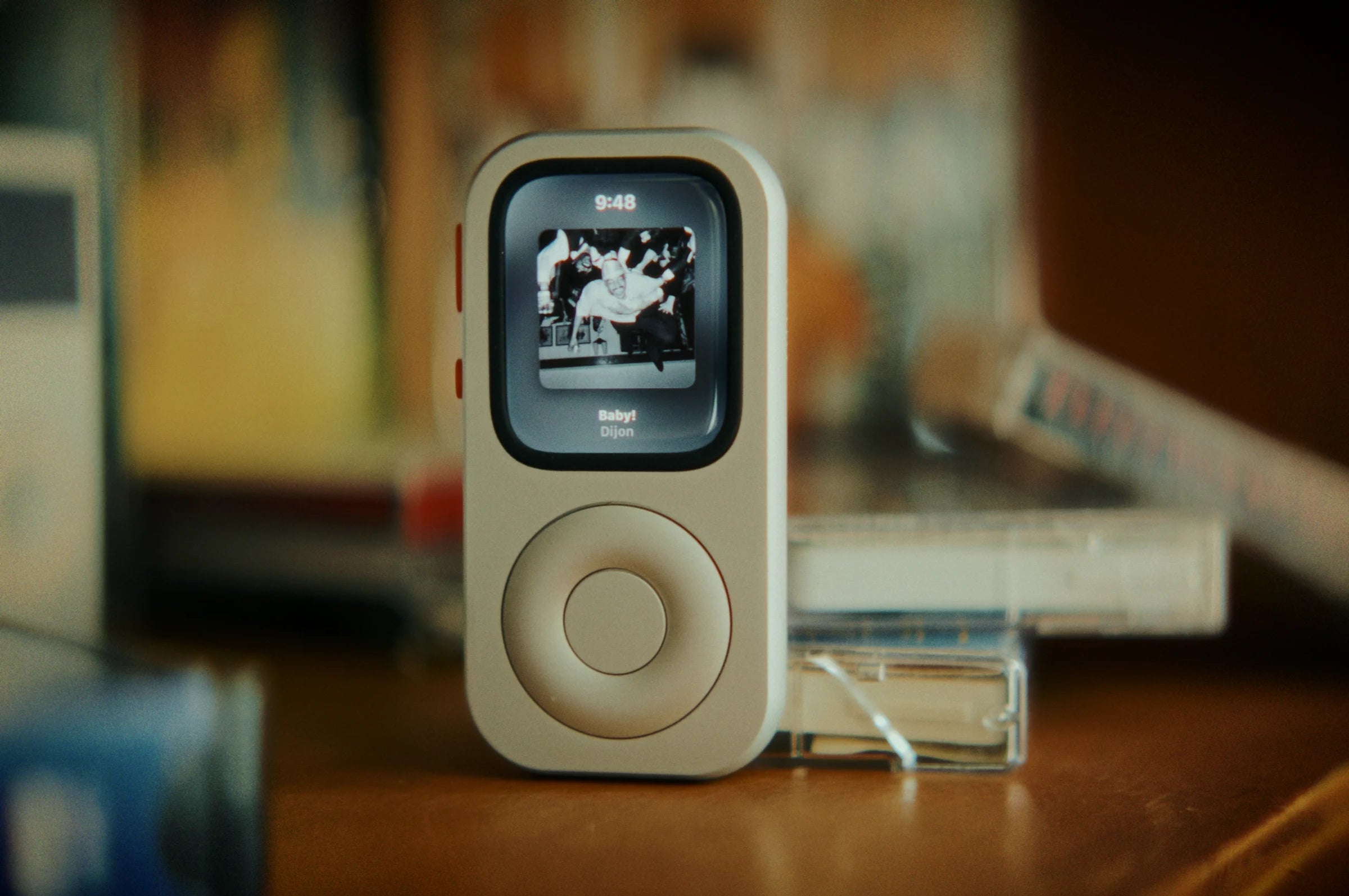
The one-album session begins before the first note. The decisive moment is choosing what you will hear—and letting that choice stand long enough for the album to unfold.
Why one album can feel different
Streaming generated $9.47 billion of the $11.54 billion in U.S. wholesale recorded-music revenue reported by the RIAA for 2025. That number describes the market, while each listener still chooses how to spend a session. Read the RIAA report ↗
Keep the service and library you already use. For one session, make a single choice: prepare an album and let it play until the final track ends.
Why a dedicated-looking object helps
In 2026, the Associated Press, Axios and ITV News each found people returning to iPods or dedicated music players. The listeners in those stories describe several personal reasons: nostalgic design, fewer choices on screen and the pleasure of carrying a device that feels devoted to music. Associated Press ↗ Axios ↗ ITV News ↗
Apple describes the iPod as a product that changed music discovery, listening and sharing. RePod brings that familiar shape to a compatible Apple Watch. RePod is independently made and iPod-inspired; the Watch, watchOS and your chosen apps provide the playback. Apple’s iPod history ↗
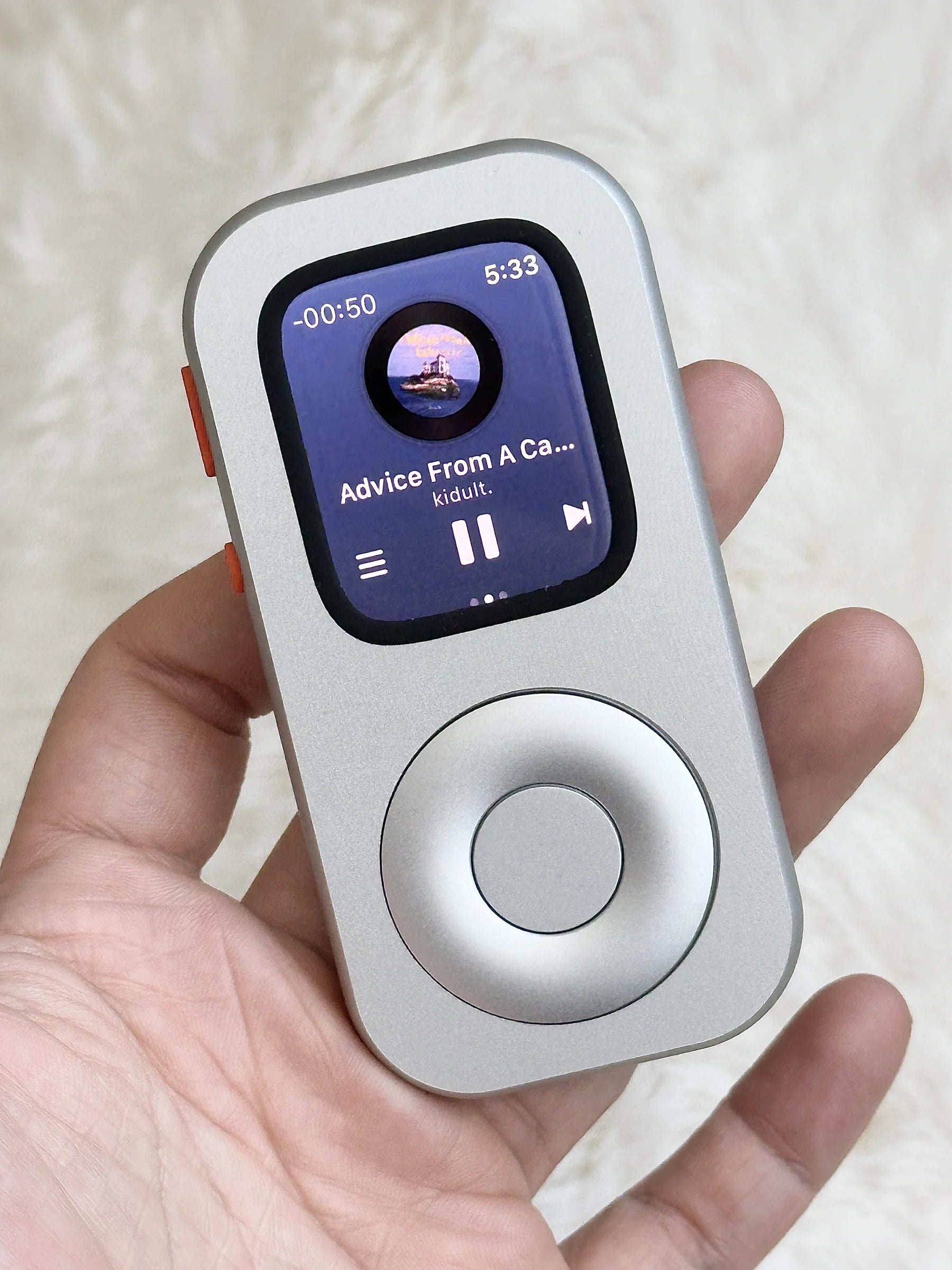
Choose before pressing play
Make the selection away from the listening chair or walking route. Pick an album for a clear reason: you have never heard its second half, you want to revisit the sequencing, or tonight’s pace suits it. There is no need to find the perfect record. A finished choice is more useful than a perfect search.
If choosing still feels endless, add one constraint. Select the first album saved during a particular year, an artist you have only heard through singles, or a record short enough for the walk you already planned. The constraint is a doorway, not a verdict on taste. It keeps discovery available for another time while giving this session a defined beginning and end.
Notifications can interrupt attention even when they are left unopened. A 2015 laboratory study observed disruption after phone notifications during an attention task. Your listening session will be different, but the practical move is simple: settle the music and notification settings before the first track begins. See the study ↗
Prepare the Apple Watch
Apple’s current Watch guide explains how to add albums and playlists. For offline listening, download the music before leaving the phone or network behind, then test playback on the Watch itself. Storage, app availability, subscription, account, region, device and software conditions apply. See Apple’s music steps ↗
- Add or download the album.
Wait for the transfer to finish and confirm the album appears on the Watch. - Choose the audio route.
Pair the supported headphones or speaker you plan to use and test volume before the session. - Set notifications deliberately.
Keep the alerts you need; quiet the ones that would turn the session back into browsing. - Place the phone.
Leave it where it remains available for genuine needs but does not invite casual checking.


Let the sequence do its work
Begin at track one. Keep the order. If one song is not your favorite, let it lead into the next. The purpose is to hear the transitions, pacing and contrast that disappear when every track is treated as an isolated option.
When the album ends, resist the automatic next recommendation for one minute. Write a single sentence: the moment you would return to, the track that changed in context, or the part where your attention left. Then decide whether to play something else. That small pause gives the session a clean ending.
Keep the note for yourself. Over several sessions, those single sentences can become a personal map of what holds your attention: a producer’s use of silence, an unexpected transition, a voice that lands differently at night. The record remains the main event.
Tonight’s listening plan
One-album checklist
- Choose the album before the session.
- Download or sync it to the Apple Watch and test playback.
- Pair the supported headphones or speaker.
- Set essential notification exceptions.
- Start at track one and keep the sequence.
- Write one sentence after the final track.
Finishing one musical thought is the reward. RePod gives the ritual an iPod-inspired, pocket-held shape; the compatible Apple Watch and your chosen app or service provide the playback. One album supplies the rest.
Sources and listening references
Choose, prepare, play