

Let today's hardest requirement decide
Dumbphone, Phone-Light, or Full Smartphone: Which Fits Today?
Match the device to the access, login, ticket, contact and payment tasks already on your calendar.
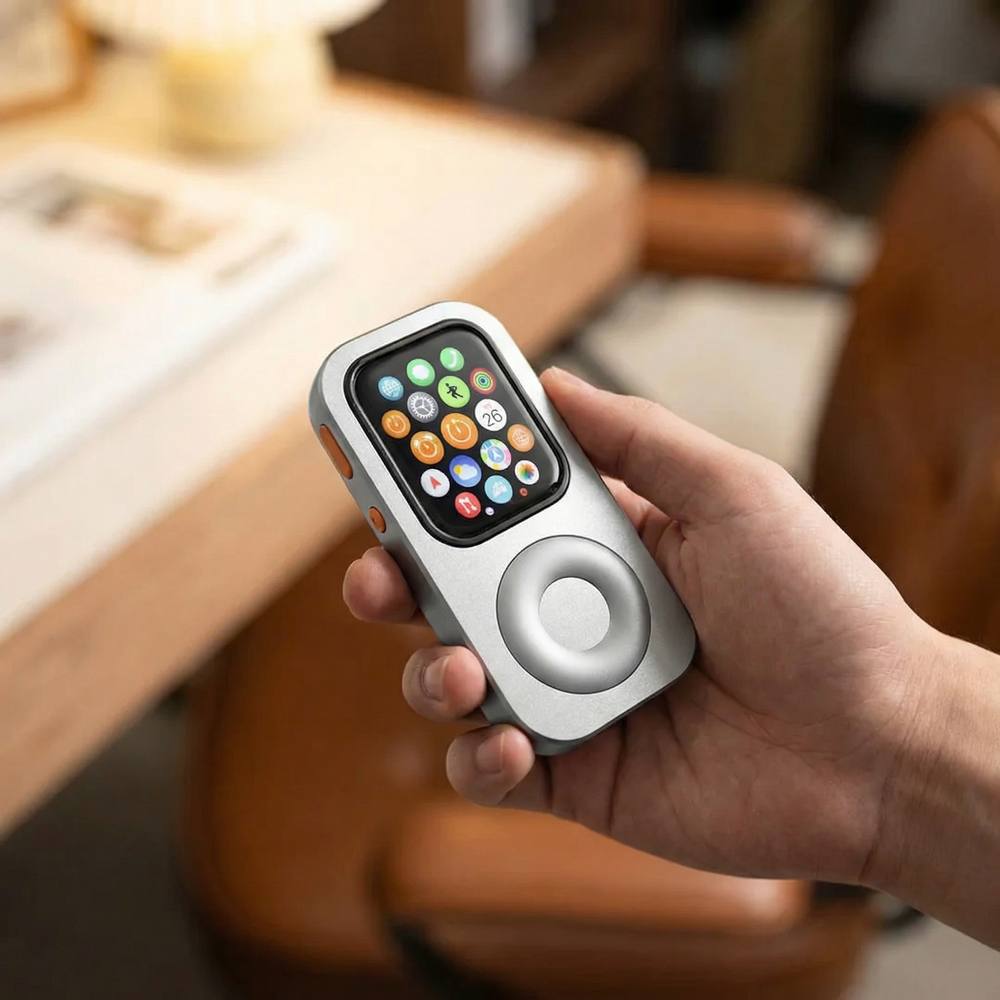
Your device choice can change with the calendar. A quiet calls-and-texts day, a Watch-ready errands day and an app-heavy travel day ask for different tools.
Define the three carry modes
Pew Research Center surveyed 9,750 U.S. adults from May 26 through June 1, 2026. Fifty-three percent said they spend too much time on their smartphone, and 45% said they had tried to cut back during the previous 12 months. Those figures describe a widespread interest in lighter use. They do not make one device the right answer for every schedule.
For this decision, a dumbphone means a simple handset chosen mainly for calls and texts. A phone-light setup means a compatible Apple Watch in RePod, prepared for selected Watch functions. A full smartphone brings the browser, camera, authenticator and app ecosystem that many access systems and services expect.
RePod changes the physical form of a compatible Apple Watch. The Watch still supplies watchOS, apps, accounts, networks and services. Confirm the exact Watch generation, case size and RePod variant before treating the phone-light column as available.
Start with access, QR codes and logins
Ask how you will enter every place on the schedule. A physical key, printed code or supported pass already in Apple Wallet can keep the carry simple. Apple documents that supported boarding passes, event tickets, contactless passes and QR or barcode passes can be presented from Apple Watch. Issuer support is required, some passes must first be added through iPhone, and current pass information may depend on connectivity.
Dynamic QR codes, app-only building credentials and camera-based check-ins belong in a separate category. Carry the full smartphone whenever one of those steps has not been independently verified on your Watch or replaced with a physical option. A first-person report in The Atlantic described how a workplace door app and an urgent online form complicated one writer's dumbphone switch. The useful lesson is practical: access can decide the carry before calls or music enter the conversation.
Two-factor authentication needs the same treatment. Check whether the day may require a phone-bound authenticator, approval prompt, password recovery flow or browser login. A dumbphone may receive a text code when the account and service support SMS. A Watch may show selected notifications under the required connection and paired-iPhone conditions. A full smartphone is the dependable choice when the exact authentication path has not been verified elsewhere.

Check camera, rides, tickets and live data
A full smartphone earns its place when the day includes document scanning, photo capture, visual proof, live ride-hailing or driver contact through an app. Treat each of these as a required task. A remote camera control on Apple Watch does not turn RePod into a general-purpose camera, and third-party Watch apps vary by developer, account, region and connection.
Tickets and reservations can move into the phone-light column only after the exact pass is visible and current on the Watch. Apple Wallet support depends on the issuer. Some passes arrive through an email or app on iPhone before they can be added. A pass that refreshes near departure may also need a connection. Keep the original ticket or smartphone available when freshness or entry rules are uncertain.
Connectivity affects contacts, directions and live data. A cellular-capable Apple Watch needs an eligible activated plan, supported carrier, region, software and coverage for direct cellular use. A compatible known Wi-Fi network may work after prior setup, subject to Watch model and network type. Calls, iMessage, SMS/MMS and third-party notifications have different requirements; Apple notes that SMS/MMS and some third-party notifications may require the paired iPhone to remain powered on and connected.
Downloaded audio and Apple Pay are among Apple's documented functions when the Watch has no nearby iPhone or network. Audio must be downloaded in advance and may depend on the app, account, subscription, storage, software and supported headphones. Apple Pay requires an eligible card and issuer, completed setup, a supported region and a participating merchant or transit system.
Choose by today's hardest requirement
Three-mode decision matrix
Dumbphone: physical key or static code. Phone-light: supported pass already added to Apple Wallet; issuer, setup, freshness and connection conditions apply. Full smartphone: app-only entry, dynamic QR or camera check-in.
Dumbphone: verified SMS code path. Phone-light: verified Watch notification or app under its network and paired-iPhone requirements. Full smartphone: phone-bound authenticator, approval prompt, recovery or browser login.
Dumbphone: no photo or app task. Phone-light: only a separately verified Watch workflow. Full smartphone: photos, document scans, ride requests or in-app driver contact.
Dumbphone: printed ticket or basic message. Phone-light: supported Wallet pass already on Watch; issuer and update conditions apply. Full smartphone: ticket lives in an app, requires activation or may refresh live.
Dumbphone: carrier voice and text under the handset plan. Phone-light: exact nearby-iPhone, known-Wi-Fi, direct-cellular or offline state verified. Full smartphone: broad app and browser access under its plan and coverage.
Dumbphone: calls and texts supported by the handset and carrier. Phone-light: exact call, iMessage, SMS/MMS or app path tested with its model, network and paired-iPhone conditions. Full smartphone: app-specific messaging or unverified contact paths.
Dumbphone: physical card or cash. Phone-light: Apple Pay with eligible card, issuer, merchant or transit system, region and prior setup. Full smartphone: app checkout, loyalty flow or payment method unavailable on Watch.
Dumbphone: written details and physical payment. Phone-light: physical backup or powered iPhone in a bag for unverified steps. Full smartphone: keep a charger, payment backup and essential information available.

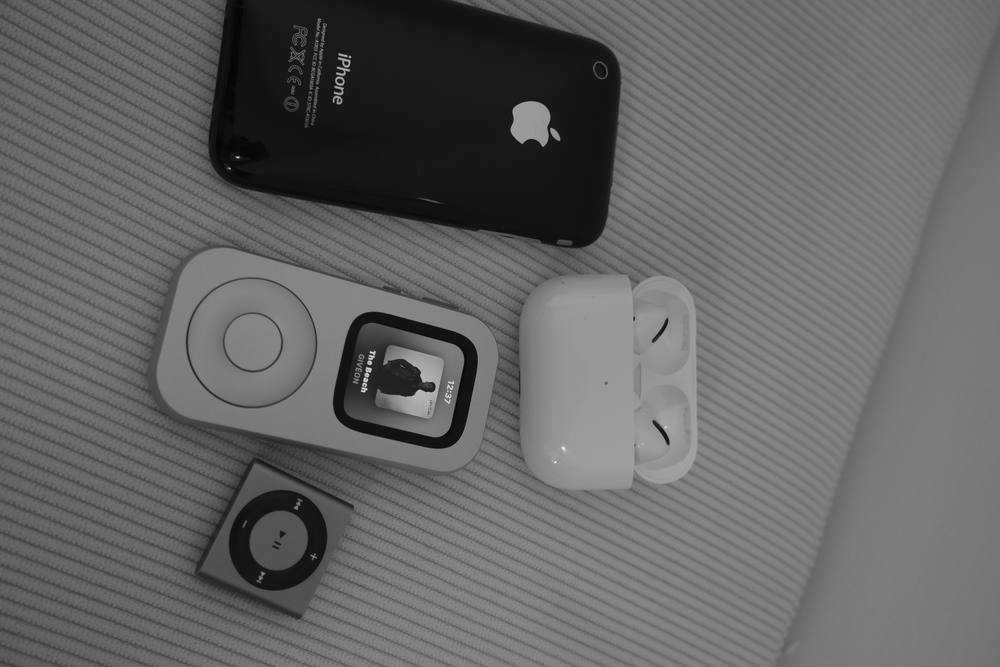
Confirm the phone-light option
The decision is complete when every required row has a dependable answer. One unverified door, login or ride can move the day into the full-smartphone column. A quiet day centered on calls and texts may fit the dumbphone column. A Watch-ready day with supported Wallet, payment, audio and connection paths may fit RePod.
Check the Apple Watch model, RePod fit, cellular plan, known networks, downloaded content, Wallet items and paired-iPhone state that your phone-light choice requires. The most useful carry is the one that covers the day in front of you.
Sources and further reading
Match the carry to the day